




Create a code for your listing
Generate a QR code in your QRChat dashboard. You get a QR image and a short link — put either one (or both) straight into the ad.
Classifieds
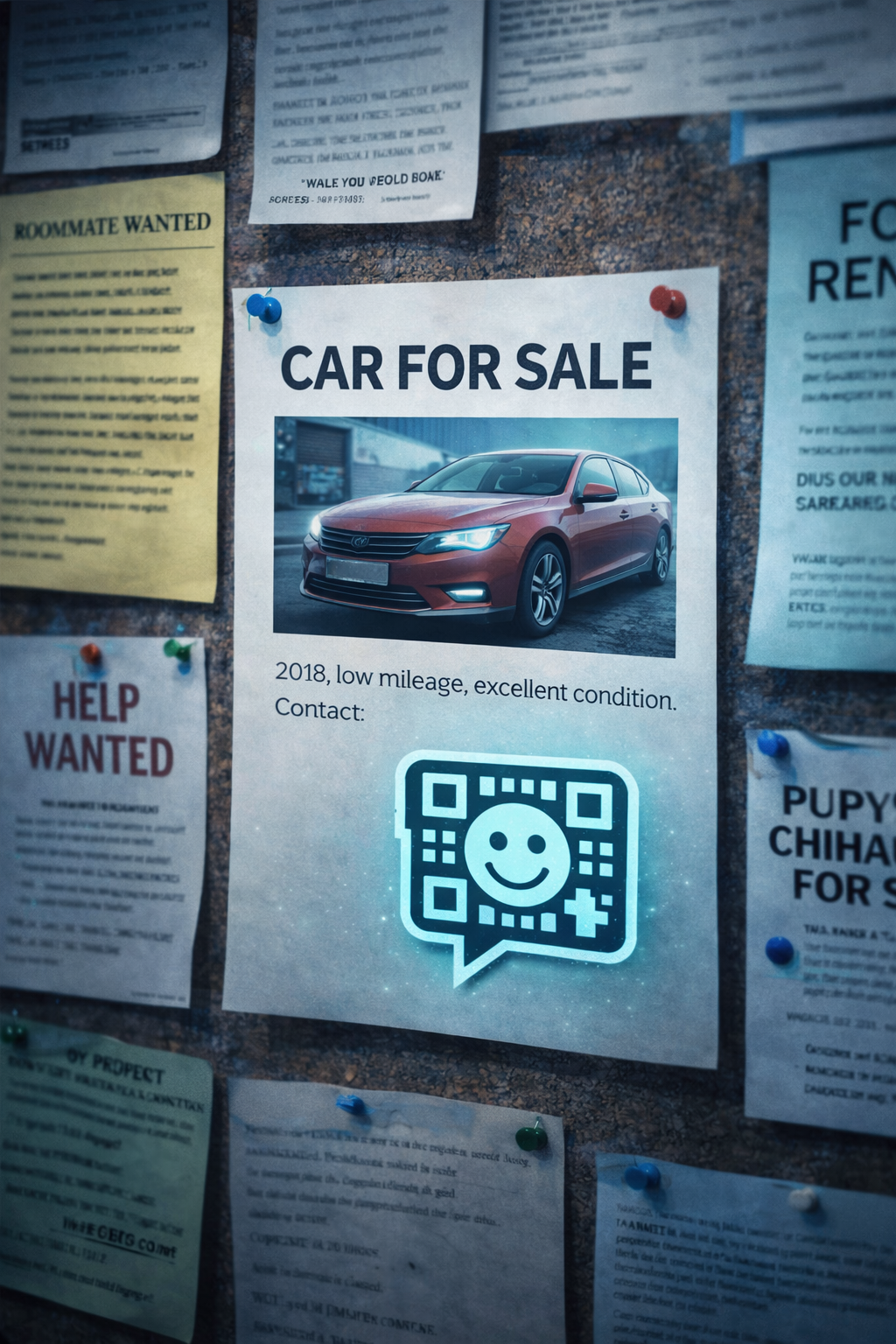
Put a QRChat code or short link in your listing instead of your number. Buyers open an anonymous chat, you answer from your dashboard — and your phone stays private long after the ad is gone.
How It Works
Generate a QR code in your QRChat dashboard. You get a QR image and a short link — put either one (or both) straight into the ad.
Interested buyers open the chat right in the browser — no app to install, no account to create, nothing to do but ask their question.
Answer from your dashboard and get notified about new messages. When the item is sold, pause or delete the code — the channel simply stops existing.
Use cases
Phone numbers published in classifieds are harvested by bots, scammers and cold callers — and keep ringing for years. A chat link exposes nothing personal.
A published number outlives the ad. A QRChat code can be paused or deleted the moment the deal closes.
Create a separate code per listing and see all buyer conversations side by side in your dashboard — no more guessing who is asking about what.
Many buyers hesitate to call a stranger. Opening a chat is a much smaller step, so you get more real enquiries, not fewer.
Answers
No. A buyer only sees the chat page and the welcome message you wrote — never your phone number, email or account details.
No. The QR code and the short link open a normal web chat in any browser, on any phone or computer.
Turn on notifications for the code and QRChat will alert you about new messages. All conversations are also collected in your dashboard.
Pause the code so nobody new can write, or delete it entirely. Unlike a phone number, it stops working the moment you decide.
Classifieds
Create a free QR code and short link for your listing in under a minute — and keep your personal contacts out of the classifieds.