




Create your personal code
Generate a QR code, write a short welcome message and put the code on your business card, badge, laptop or slide deck.

QR business card
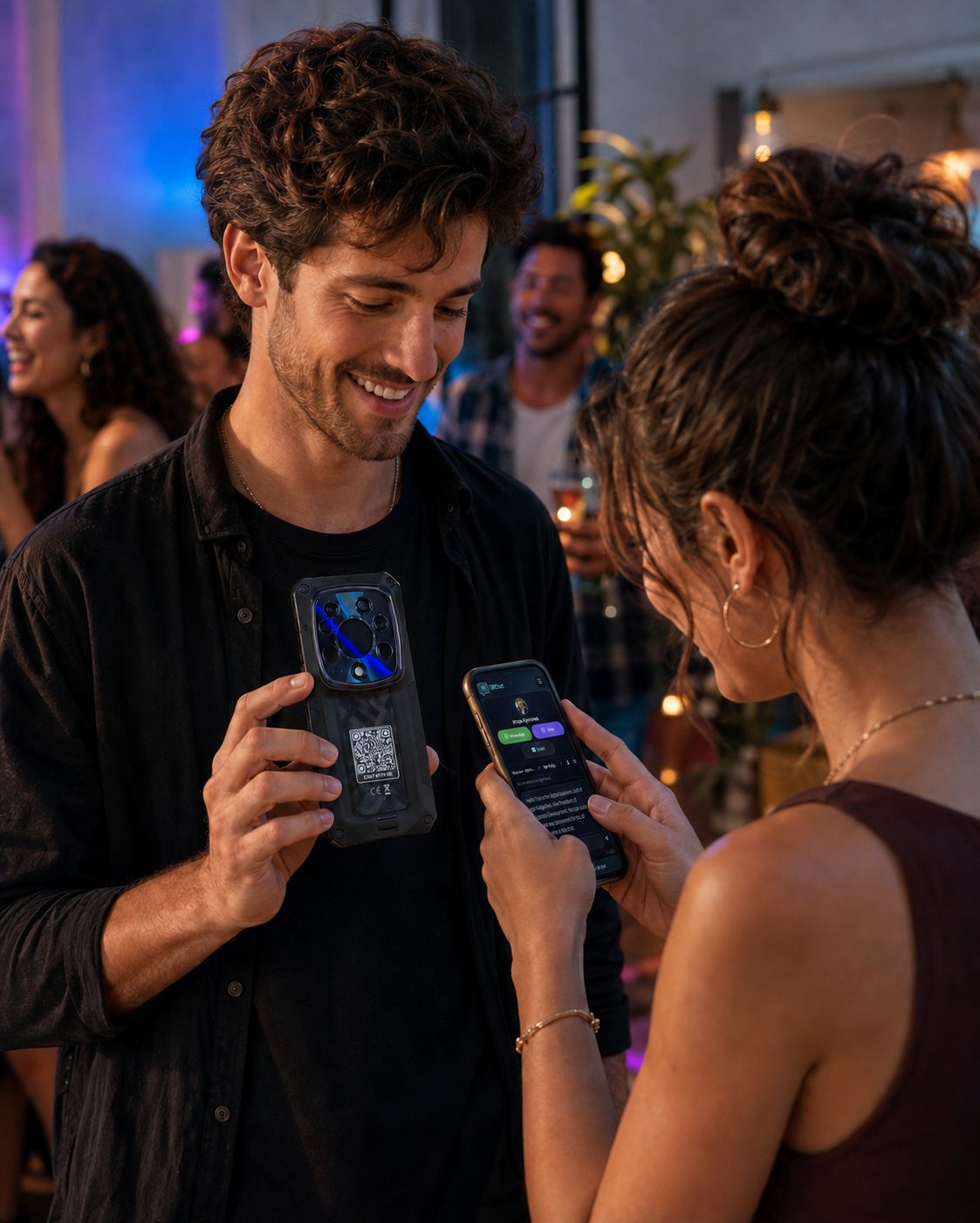
Print a QRChat code on your card, badge or portfolio. One scan opens a direct chat with you — no app, no typing numbers, no lost paper cards — and the conversation continues after the event.
How It Works
Generate a QR code, write a short welcome message and put the code on your business card, badge, laptop or slide deck.
A new contact points their phone camera at the code and lands straight in a chat with you — in the browser, nothing to install or type.
Share your phone, email or social profiles right in the conversation — as much or as little as the situation deserves. The chat history keeps the new contact from getting lost.
Use cases
A paper card ends up in a drawer; a chat stays on both phones. One printed code serves an unlimited number of new contacts.
The code itself reveals nothing. In every conversation you decide who gets your personal mobile, your work email — or just the chat.
Business cards, conference badges, CV headers, laptop lids, slide footers — wherever a small square fits, your contact channel fits.
Turn on the business-card purpose and fill your profile: your photo, name and one-tap WhatsApp, Telegram, Viber, LinkedIn, Instagram, Facebook and email buttons appear right above the chat.
Answers
They see your mini profile card — photo, name and one-tap buttons for exactly the channels you filled in — with an anonymous chat below it, where you can talk and share more whenever you choose.
No. Anyone who scans the code chats with you straight from the browser — no account, no app.
Yes. Nothing is exposed by default — you decide inside each conversation what to share: chat only, email only, or your full contacts.
Yes. The printed QR never changes, but everything behind it — the welcome message, the purpose, the settings — can be edited any time in your dashboard.
QR business card
Create your personal QR code in a minute, print it anywhere, and never lose a new contact again.