




Create a code for the property
Generate a QR code, write a welcome message and attach the files guests always ask for: wifi details, house rules, appliance manuals, local tips.

Hotel & rental
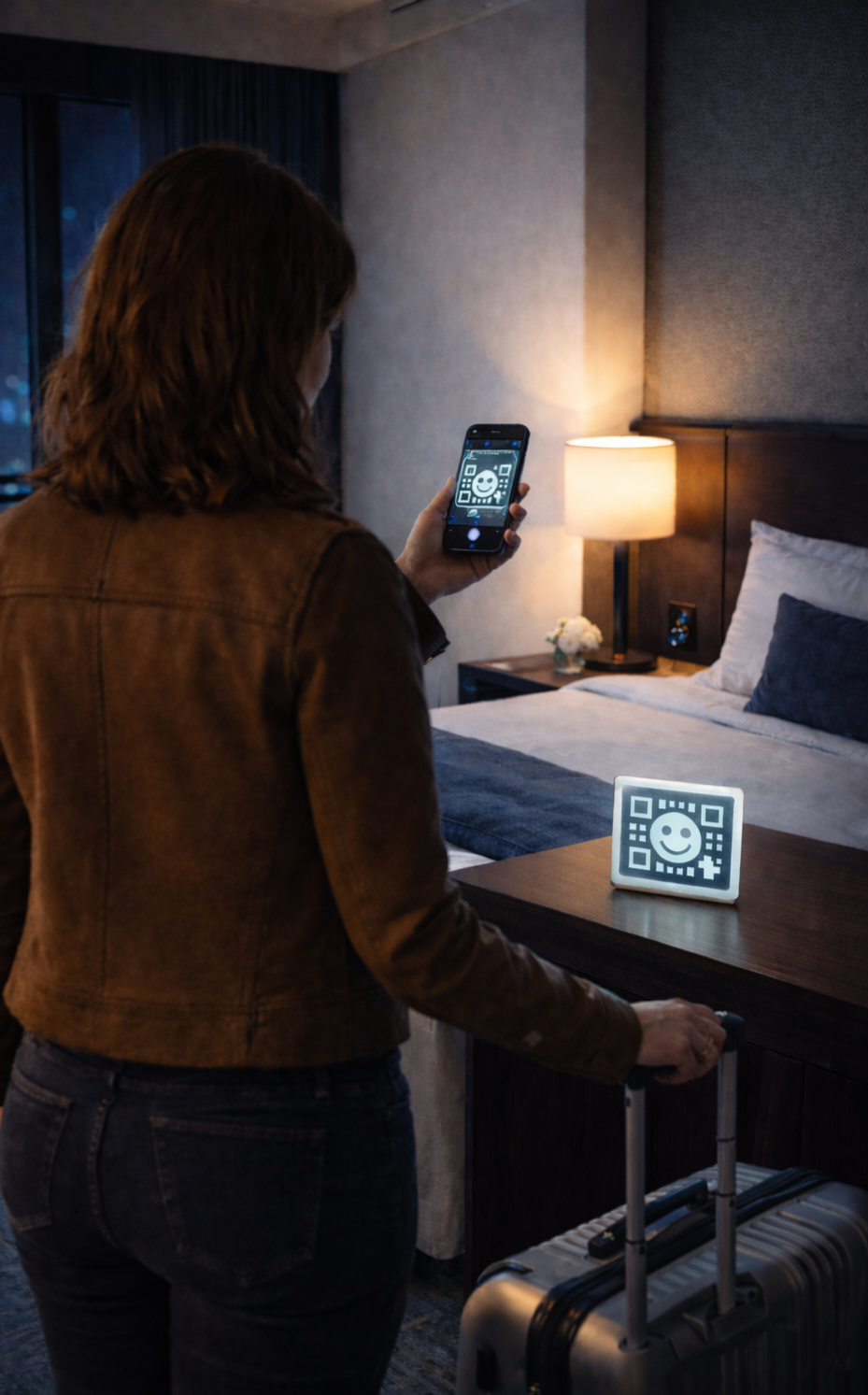
Stick a QRChat code on the fridge or by the door. Guests scan it, instantly receive your welcome files — wifi password, house guide, appliance manuals — and can ask you anything in a direct chat.
How It Works
Generate a QR code, write a welcome message and attach the files guests always ask for: wifi details, house rules, appliance manuals, local tips.
One sticker by the entrance or on the fridge is enough. Every guest scans the same code — nothing to reprint between stays.
The welcome message and files appear the moment the chat opens. If something is unclear, the guest types a question and you reply from wherever you are.
Use cases
Attach PDFs and images to the code's welcome message — wifi instructions, house rules, manuals. Every guest receives them automatically on the first scan.
"What's the wifi password?" answers itself. You spend time on guests only when something genuinely needs you.
Guests write in a browser chat instead of calling your personal phone. Your number stays private, and the history of each conversation is kept.
New router? New rules? Edit the welcome message and files in your dashboard — the printed code on the wall stays valid forever.
Answers
Yes. Welcome-file attachments are built in: add PDFs or images to your code's welcome message and every guest gets them right when the chat opens.
No. The code opens a normal web chat in the phone's browser — it works for every guest, on any device.
A code per room or apartment works best: you instantly see which property a message comes from. Batch creation in the dashboard makes generating several codes quick.
Just edit the welcome message or replace the attached files. The QR code itself never changes, so your printed stickers stay valid.
Hotel & rental
Create a code for your property, attach the house guide and wifi details, and put one sticker in the room — done.