




Create your code
Create a QR code with the Contact Us purpose. It comes with a ready welcome message inviting visitors to describe their question.
Contact us
Contact forms get ignored, phone calls interrupt, and chat widgets need integration work. QRChat gives your shop, office or website a contact channel that opens in one scan: the customer writes right away, you answer from your dashboard, and nobody installs anything.
How It Works
Create a QR code with the Contact Us purpose. It comes with a ready welcome message inviting visitors to describe their question.
Print it for your door, counter, packaging or receipts, or put the chat link behind a button on your website — the same chat works for both.
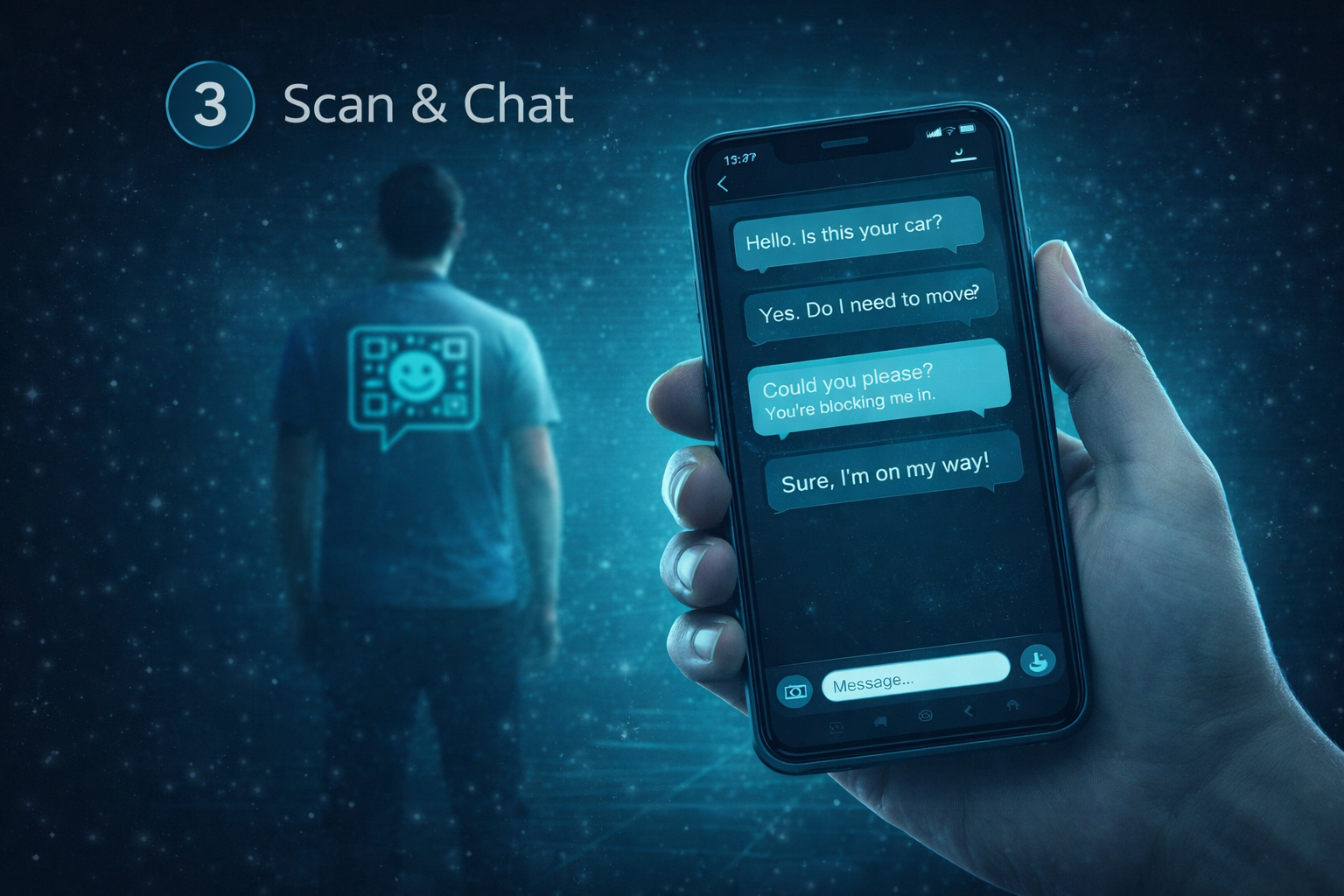
Every message lands in your QRChat dashboard and can notify you by push, Telegram or email. Reply when you're ready — the conversation stays open.
Use cases
No forms, no hold music, no app. A customer scans and types — the whole journey takes seconds.
Take questions without printing a personal phone number on doors, flyers and packaging.
The same code works on physical signage and as a link on your website or social profiles.
Your first 100 codes are free, so every branch, shelf or campaign can have its own contact point.
Answers
No. The chat opens in the phone's browser straight after scanning. Customers can write immediately and anonymously.
Yes. Every QR code is also a normal link, so you can put it behind a "Contact us" button online while the printed code hangs on your door.
QRChat notifies you by browser push, Telegram or email the moment a message arrives, and all conversations are collected in your dashboard.
Yes, and it's the recommended setup: one code per door, counter or campaign, so you always see where a question came from. The first 100 codes are free.
Contact us
Set up your Contact Us code in a minute, print it, and start answering real questions instead of missed calls.