




Create a code for your pet
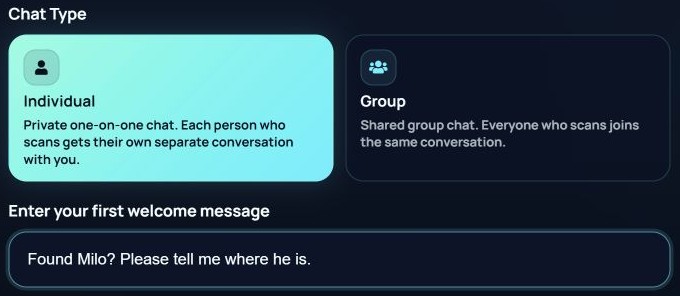
Choose Lost & found, keep the Individual chat mode, and name the code after your pet, such as Milo — pet collar. Create a separate code for each animal so you can tell who has been found.

Pets & collars
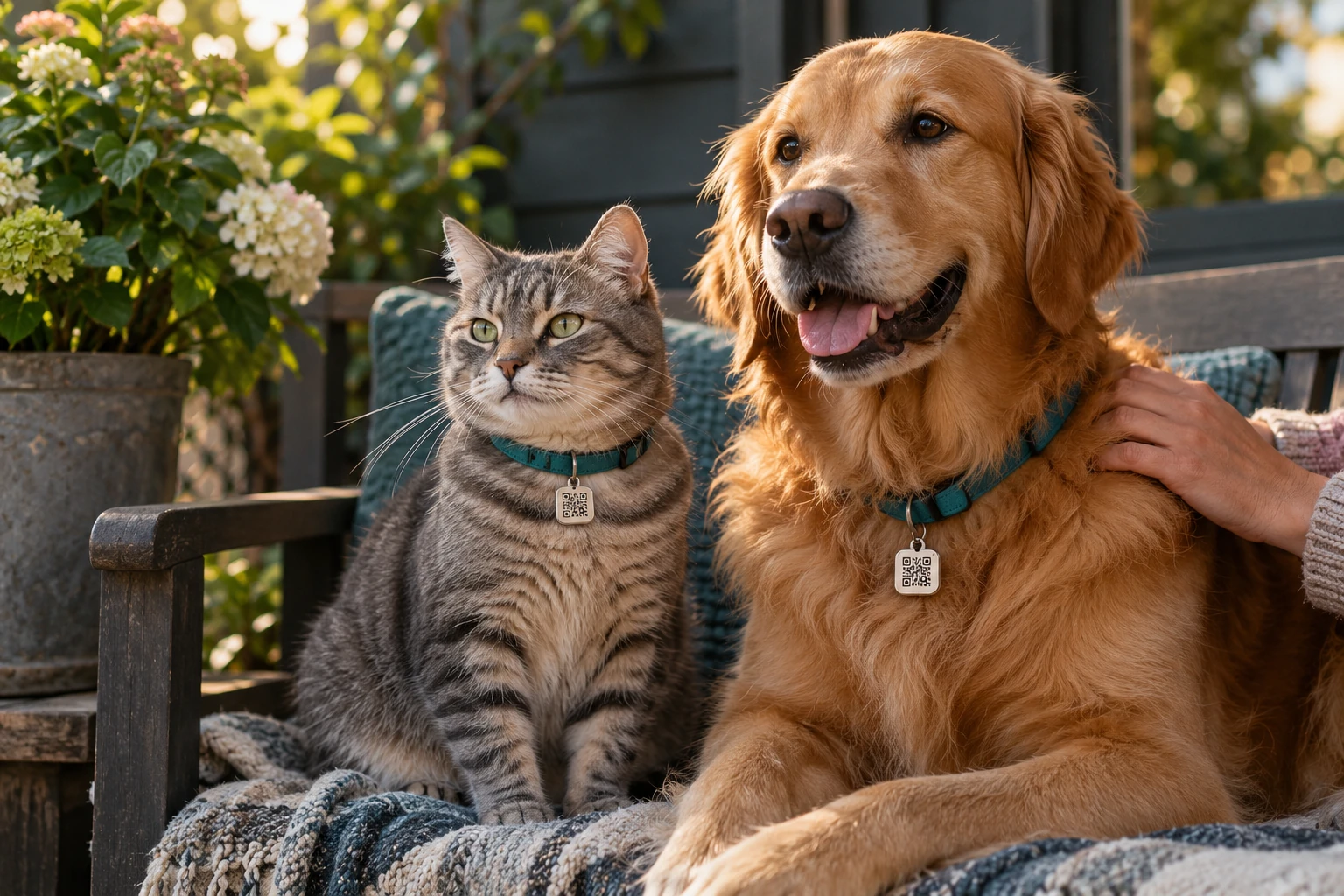
A gate left open. A startled dog on a walk. A cat exploring a little too far. Give the person who finds your pet a simple way to reach you: a QR code on their collar that opens a QRChat conversation.
How It Works
Choose Lost & found, keep the Individual chat mode, and name the code after your pet, such as Milo — pet collar. Create a separate code for each animal so you can tell who has been found.
Download your actual QR code and have it printed or engraved on an ID tag, collar plate or harness tag. Add a short instruction such as Scan to contact my owner. Test the finished tag before attaching it.
Someone who finds your pet scans the tag with a phone camera and follows the link. QRChat opens in their browser, where they can send you a message without installing an app or creating an account. Internet access is needed.
Ask where your pet was found and agree on a suitable place to meet. Turn on your preferred available notifications in QRChat and test them beforehand so you are ready to notice a new message.
Use cases
The QR code opens a chat rather than displaying your phone number or home address. You decide which details to share when arranging a pickup.
Individual mode gives each person who scans their own conversation with you. Their messages are not posted in a shared group chat.
Use a clearly named code for each pet. Copies of that pet's code can go on their collar and harness, while another animal gets a different code.
Designed to be noticed
Turn a QRChat code into a pet ID tag that suits your pet's everyday gear. The useful part is simple: a readable code and an invitation to contact the owner.
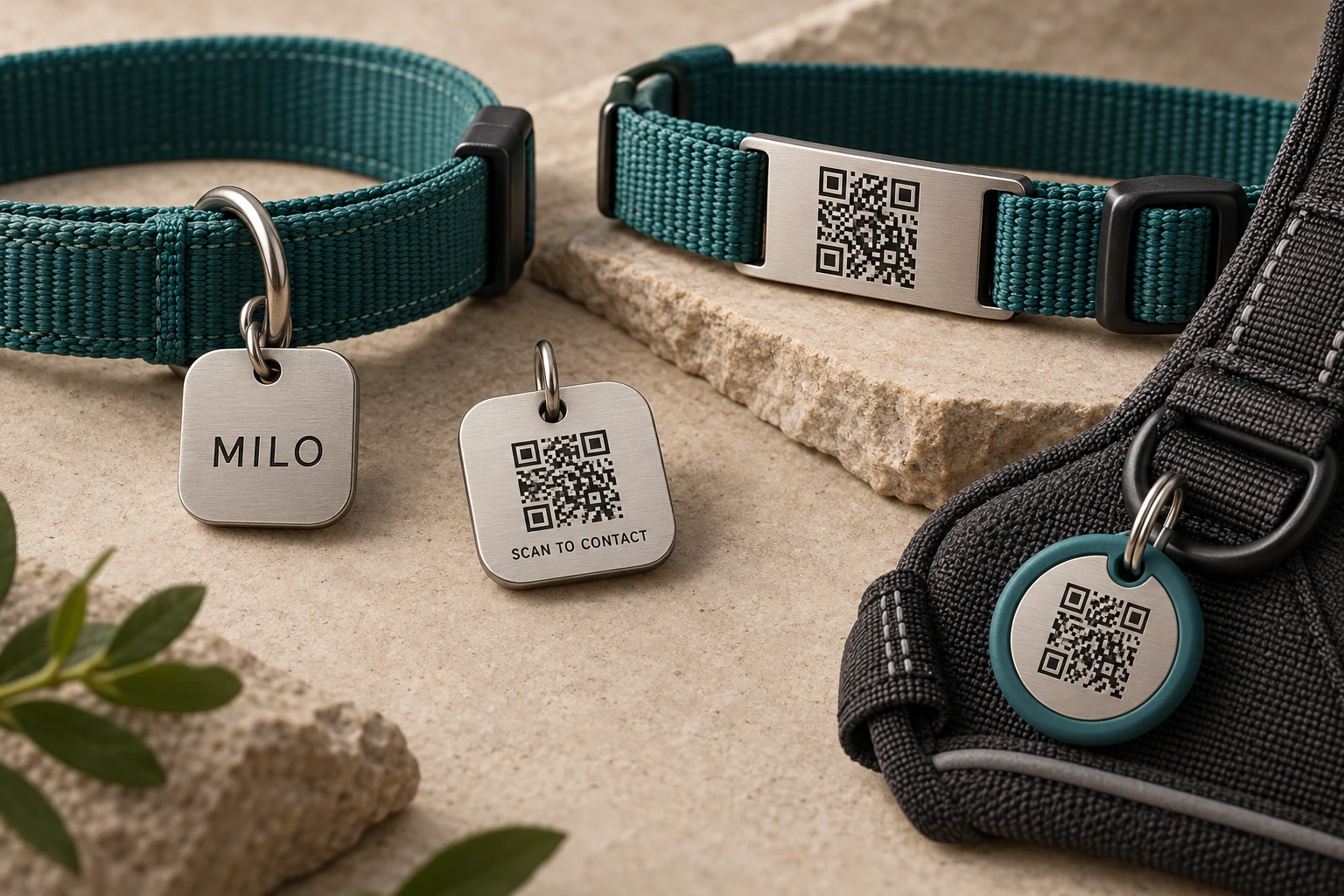
Put your pet's name on the front and the QR code with a short instruction on the reverse. A small rounded tag can attach to an appropriate ring on the collar or harness.
A slide-on or securely mounted plate offers another place for the code. Keep the printed area flat and visible, with enough space around the QR pattern for a phone to read it.
A harness tag can provide the same contact route during walks. An extra label on a carrier can help if the carrier is misplaced, but it only helps while the animal stays with it.
Start with a protected printed insert, or give the downloaded code to a maker who prints or engraves pet accessories. Ask them to preserve the exact QR pattern and its clear border. Material, size and attachment should suit your pet; check the finished result with a phone before using it. QRChat provides the code and chat, while you arrange production of the physical tag.
Before the first walk
A welcoming first message tells the finder they have reached the right place. Mention your pet's name and ask where they are. Avoid putting your home address or other private details in this message because anyone scanning the code can read it.
Example welcome message
Found Milo? Please tell me where he is.
Keep strong contrast and a clear border around the code. Scan the finished tag from different angles in ordinary daylight. Do not use the decorative codes from the article images.
Choose an attachment suitable for your animal and its existing collar or harness. Check that the tag stays visible and does not interfere with the fastening. Replace it if it becomes loose, scratched or unreadable.
Use a phone or browser that is not signed into your account to scan the code. Send a test message, check that you receive it, and reply. Confirm the code is activated and your notification settings work as expected.
Keep access to your QRChat account and check the tag periodically. If you delete or disable its code, the printed tag will no longer provide the intended contact route. Replace every copy if you switch to a new code.
An example, not a customer testimonial
Imagine Milo slips through an open gate. A passer-by finds him near a park entrance and notices the tag on his collar. The instruction makes the next step clear.
The finder scans the code, opens QRChat and sees Milo's welcome message.
They tell the owner where Milo is and describe a nearby landmark. The owner replies in the same chat.
They agree where to meet, confirm it is the right animal, and arrange for Milo to go home.
Answers
No. They scan the code with their phone camera, open the link in a browser and send a message. They do need an internet connection to use the chat.
The code opens a QRChat conversation; it does not automatically display your phone number or address. Details you put in the welcome message are visible to people who open the code, so only include information you want to share.
Yes, for the same pet: for example, on a collar and a harness. Use a different code for each animal so you can identify which pet the finder is contacting you about.
The printed tag is not a GPS device and does not report your pet's movements. Ask the finder to describe their location in the chat and agree on where to meet.
Download the same active code again and put it on a replacement tag. Test the new tag before use. If you create a different code instead, replace old copies so they do not lead to a contact route you no longer use.
This page explains how to use QRChat on a tag you make or order from a separate maker. QRChat supplies the QR code and chat service. The images illustrate possible designs; they are not a catalogue or an offer to manufacture or ship accessories.
Pets & collars
Create a code for your pet, add it to a readable pet ID tag, and test a message from another phone. A little preparation gives someone who finds your companion a clear next step.